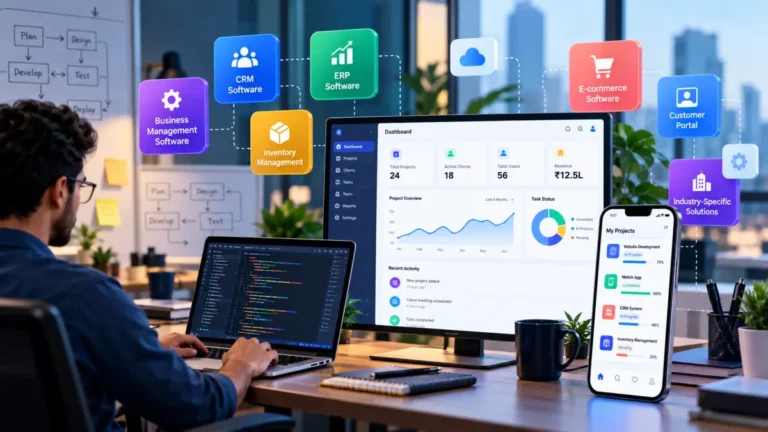
Mobile App Development: Types, Process, Cost & How to Build an App

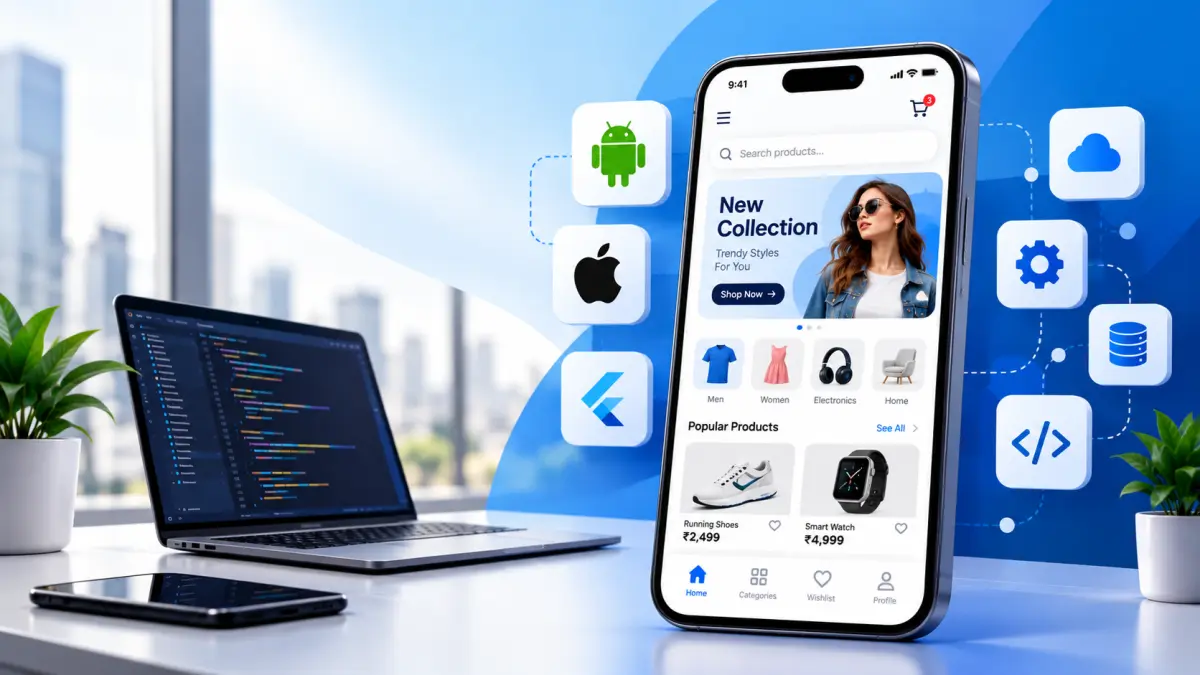
Mobile apps have become an important part of how businesses connect with customers, sell products, provide services, and build long-term relationships. From e-commerce and education to healthcare, finance, food delivery, and professional services, businesses across industries are investing in mobile applications to make their services more accessible.
But developing an app is more than just designing a few screens and publishing them on an app store. A successful mobile application requires proper planning, UI/UX design, development, testing, security, deployment, and continuous maintenance.
If you are planning to build an app for your business, this guide explains what mobile app development is, different types of apps, the development process, important features, technologies, development costs, and how to choose the right approach.
What Is Mobile App Development?
Mobile app development is the process of creating software applications specifically designed to run on smartphones and tablets. Depending on the business requirement, an application can be developed for Android, iOS, or both platforms.
The development process generally includes:
- Business and project planning
- Market and competitor research
- UI/UX design
- Front-end development
- Back-end development
- Database integration
- API integration
- Security implementation
- Testing and quality assurance
- App store deployment
- Maintenance and updates
A professionally developed app should not only look good but also provide a fast, secure, reliable, and convenient experience for users.
Why Do Businesses Need a Mobile App?
A mobile application can help businesses create a direct digital connection with their customers. Unlike relying entirely on third-party platforms, an app gives businesses greater control over the customer experience.
Some common benefits include:
Direct Customer Engagement
Businesses can communicate directly with customers through app notifications, offers, updates, and personalized content.
Better Customer Experience
An application can be designed specifically around the needs of a particular audience, making it easier for customers to browse, purchase, book, communicate, or access services.
Increased Brand Visibility
Having your business application installed on a customer’s smartphone keeps your brand accessible whenever the customer needs your product or service.
Online Sales and Payments
E-commerce and service businesses can integrate product catalogs, shopping carts, payment gateways, subscriptions, and order management into their apps.
Customer Loyalty
Businesses can use loyalty programs, personalized offers, reward points, memberships, and exclusive deals to encourage repeat purchases.
Types of Mobile Apps
Before starting development, it is important to understand which type of application is suitable for your business. The right choice depends on your target audience, budget, required features, performance expectations, and future plans.
1. Native Mobile Apps
Native applications are developed specifically for one operating system. Android applications are commonly developed using Kotlin or Java, while iOS applications are commonly developed using Swift.
Native development can provide strong performance, smooth user experience, better platform integration, and access to device-specific features. It can be a suitable option when an application requires high performance or advanced platform functionality.
2. Cross-Platform Mobile Apps
Cross-platform development allows developers to create applications for multiple operating systems using a shared codebase. Popular technologies include Flutter · React Native.
This approach can reduce development time and make it easier to maintain applications for Android and iOS when the project does not require extensive platform-specific functionality.
3. Hybrid Mobile Apps
Hybrid applications combine web technologies with mobile application frameworks. They can be useful for certain projects where businesses need broader platform compatibility and relatively faster development.
The suitability of hybrid development depends on the application’s functionality, performance requirements, and long-term business goals.
4. Progressive Web Apps
Progressive Web Apps, commonly known as PWAs, are web applications that provide an app-like experience through a browser. They can be useful for businesses that want mobile-friendly functionality without developing a traditional native application for every platform.
Mobile App Development Process
A successful application starts with a structured development process. Here are the major stages.
Step 1: Define the Business Objective
The first step is to clearly understand why you need the application.
Ask questions such as:
- What problem will the app solve?
- Who are the target users?
- What services or products will it provide?
- How will users interact with the business?
- What makes the app different from competitors?
A clear objective helps prevent unnecessary features and keeps the project focused.
Step 2: Research and Project Planning
Once the business objective is clear, the next stage involves researching competitors, understanding customer expectations, defining technical requirements, and planning the project.
A detailed project plan generally covers Features · User Roles · Technology Stack · Development Timeline · Estimated Budget · Third-Party Integrations · Security Requirements.
This stage is important because changes made during development can increase both the cost and timeline of a project.
Step 3: UI/UX Design
UI/UX design determines how the application looks and how users interact with it. A good mobile app should make it easy for users to understand where they are, what they can do, and how they can complete an action.
The design process can include Wireframes · User Flows · UI Design · Interactive Prototypes · Design System · Mobile Responsiveness.
A clean interface, readable typography, consistent branding, simple navigation, and well-placed buttons can significantly improve the user experience.
Step 4: Front-End and Back-End Development
Once the design is approved, developers start building the application.
The front-end includes everything users see and interact with, such as screens, buttons, menus, forms, product pages, dashboards, and navigation.
The back-end manages the technical operations behind the application, including databases, authentication, APIs, business logic, user information, orders, payments, and server-side processes.
Both components need to work together properly for an application to provide a reliable experience.
Step 5: API and Third-Party Integration
Many modern mobile applications require external services to provide additional functionality. Depending on the business requirements, an application may integrate Payment Gateways · Google Maps · Social Login · SMS Services · Email Services · WhatsApp Services · Analytics Tools · CRM Systems · Shipping Platforms.
For example, an e-commerce app may require payment and shipping integrations, while a service-booking application may require maps, notifications, calendars, and online payment functionality.
Step 6: Testing and Quality Assurance
Before launching the application, it needs to be tested thoroughly. Testing helps identify technical issues before users encounter them.
Testing can cover Functionality · Performance · Security · Device Compatibility · User Interface · Payment Processing · Login & Authentication · API Integration · Notifications · Crash Testing.
Testing across different screen sizes, operating system versions, and devices is particularly important because users may access the app through different smartphones and tablets.
Step 7: App Store Deployment
After development and testing are completed, the application can be prepared for publication.
For Android applications, businesses generally publish through Google Play. For iOS applications, the app is submitted through Apple’s App Store ecosystem.
The publishing process can require App Name · App Icon · App Description · Screenshots · Privacy Information · App Category · Store Listing Details.
The application needs to meet the relevant platform’s requirements before it can be made publicly available.
Step 8: Maintenance and Updates
Launching an app is not the final stage of development. Applications require regular maintenance to remain secure, compatible, and useful.
Ongoing maintenance may include Bug Fixes · Security Updates · Performance Optimization · New Features · OS Compatibility · Server Maintenance · UI Improvements.
Regular updates can also help businesses respond to customer feedback and introduce features based on changing market requirements.
Essential Features of a Business Mobile App
The features required in an application depend on its purpose and target audience. A typical business application may include User Registration · Secure Login · User Profiles · Search & Filters · Push Notifications · Online Payments · Location Services · Product or Service Listings · Booking or Ordering · Customer Support · Reviews & Ratings · Admin Dashboard · Analytics.
An e-commerce application may require additional functionality such as Product Catalog · Shopping Cart · Wishlist · Coupons · Payment Gateway · Order Tracking · Delivery Integration · Customer Reviews.
A service-based application may focus more on Appointment Booking · Service Selection · Location Tracking · Online Payments · Notifications · Customer Accounts · Support.
The important point is to build features around actual customer requirements instead of adding unnecessary functionality.
How Much Does Mobile App Development Cost in India?
The cost of mobile app development in India depends heavily on the project’s complexity and requirements. There is no single fixed price for every application.
Factors that influence the cost include:
- Number of platforms
- App complexity
- Number of screens
- UI/UX requirements
- Custom features
- Backend infrastructure
- API integrations
- Payment integration
- Third-party services
- Security requirements
- Development team
- Testing requirements
- Post-launch maintenance
A simple business application may require significantly less development work than a marketplace, social networking platform, fintech application, or large e-commerce app.
Therefore, businesses should define their requirements before asking for a development quotation.
How Long Does It Take to Build a Mobile App?
The development timeline depends on the size and complexity of the project.
A basic application with limited functionality may take a few weeks, while a feature-rich business application can require several months.
The timeline generally includes:
Planning → UI/UX Design → Development → Integration → Testing → Deployment
Adding complex functionality, multiple user roles, advanced integrations, or custom backend systems can increase the overall development time.
Mobile App Development for Business Growth
A mobile application can become an important part of a company’s digital strategy. It can bring together customer engagement, online sales, service delivery, communication, payments, and data in one platform.
For startups, an app can help validate a digital business idea. For established businesses, it can create a dedicated customer channel and support digital transformation.
However, simply having an app does not guarantee business growth. The application needs to solve a genuine customer problem and provide a smooth experience that encourages users to return.
Why Professional App Development Matters
A professionally developed application considers both technical requirements and business objectives. From the initial idea to the final deployment, every stage can influence the application’s performance and usability.
A development team can help with Requirement Analysis · UI/UX Design · Technology Selection · Mobile App Development · Backend Development · API Integration · Testing · Deployment · Maintenance.
This structured approach can make it easier to build an application that is prepared for future improvements and changing customer expectations.
Frequently Asked Questions
How much does it cost to develop a mobile app in India?
The cost depends on the application’s features, complexity, platform, design, backend requirements, integrations, security, and development team. A detailed estimate can be provided after understanding the complete project requirements.
How long does it take to develop a mobile app?
A simple application can take a few weeks, while a complex application may require several months. The timeline depends on the number of features, platforms, integrations, design requirements, and testing involved.
Should I develop an Android or iOS app first?
The decision depends on your target customers, market, business model, and budget. Businesses should understand which platform their target audience uses before deciding whether to start with Android, iOS, or both.
Which technology is best for mobile app development?
There is no single technology that works best for every application. Kotlin and Swift are commonly used for native Android and iOS development, while Flutter and React Native can be useful for cross-platform applications.
Can I add new features after launching my app?
Yes. Mobile applications can be updated after launch. New features, security improvements, performance updates, design changes, and bug fixes can be introduced through future app versions.
Do mobile apps require regular maintenance?
Yes. Regular maintenance helps keep an application secure, compatible with newer operating systems, and technically reliable. Maintenance may include bug fixes, security updates, performance improvements, server management, and feature enhancements.
Final Thoughts
Mobile app development is a combination of business strategy, technology, design, and user experience. Whether you are planning an e-commerce app, education platform, healthcare application, booking system, marketplace, or custom business application, proper planning is essential before development begins.
Start by defining your business objective, target audience, required features, budget, technology approach, and future growth plans. Then work with a development team that can handle the complete process from UI/UX Design · Development · API Integration · Testing · Deployment · Maintenance.
A well-planned mobile application can provide customers with a convenient digital experience while giving businesses a dedicated platform to deliver products, services, and support.
If you are planning to turn your app idea into a working digital product, Sidads can help you plan and develop a mobile application around your business requirements, target audience, and long-term digital goals.